Help, wherever you are
Remote support
Get software, setup, and configuration issues sorted with guided online troubleshooting.
INR 399 + 18% GST
- Remote diagnosis & guided fixes
- Chat, attachments & engineer updates
From a laptop that won't start to IT support for your whole team. Connect with verified engineers and keep every request, conversation, and resolution in one place.
Already have an account? Sign in to your workspace

Online troubleshooting, a visit to your location, or support for an entire company. Start with what you need.
Get software, setup, and configuration issues sorted with guided online troubleshooting.
For hardware checks, installations, and network issues that need an engineer at your location.
Bring employee requests, manager approvals, IT inventory, and billing into one workspace.
Same issue after resolution? Repeat support is free within the defined support rules.
Keep the details together, the right people involved, and the progress visible.
Add your device and issue details. Company requests follow the relevant approval workflow.
Remote requests can auto-assign to approved online engineers. Site visits go to eligible field engineers.
Chat, share files, arrange a visit, and follow engineer updates without losing the context.
Review work logs and resolution notes. Reopen the same issue within the configured 48-hour window.
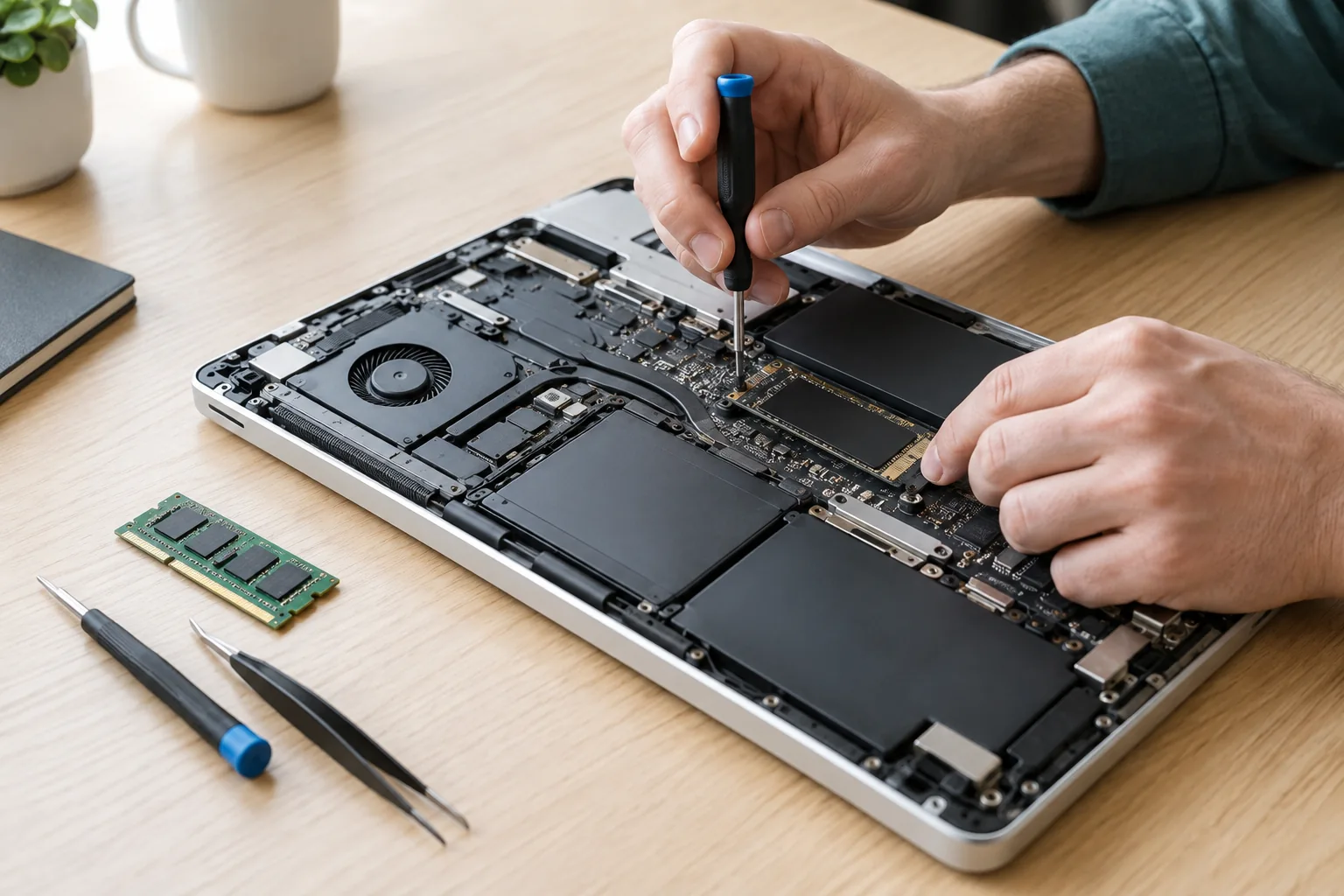
When a laptop needs an SSD, keyboard, adapter, or another replacement, your engineer can recommend the part directly from the ticket.
Know which part is needed, with notes on your ticket.
Browse parts, check out, and track shipping in the store.
Return to your ticket to follow purchase and installation progress.
Add your devices, raise requests, and follow every update in one place.
Get startedGive employees a clear request process, with manager approvals and shared visibility.
Talk to our teamComplete verification, set your availability, and receive work matched to your service capability.
Join as an engineerHere's how support, approvals, and access work on the platform.
Yes. Create an account, add your device details, and raise a remote or on-site support ticket. You can track updates and talk to the assigned engineer from your workspace.
Yes. Company employees raise requests, and Reporting Managers or the Company Portal Manager can approve them before they become final tickets.
Engineers submit PAN, Aadhaar, bank details, a resume, and the required verification documents. Portal Administrators approve registrations after manual bank and background verification.
The engineer's phone number stays hidden unless sharing is approved and logged. Chat, comments, and attachments stay connected to your ticket.
The workflow supports Self-hosted RustDesk, RustDesk, AnyDesk, UltraViewer, UltraDesk, and TeamViewer. Customers provide their remote ID as part of the support request.
Tell us about your locations, devices, and expected request volume. We'll follow up with a support model for your company.
Fields marked * are required.